Cut your screen time without blocking a single app.
The longer you scroll, the more your screen fills up with water. Stay too long and it covers everything. Put your phone down for 2 minutes and it clears.
Android now. iPhone coming.
Water starts here at 6 min
0 min
Scroll like you always do.
Screen Time Overlay counts your minutes inside apps, quietly, in the background.
6 min
A thin line of water appears.
Your first sign you've been at it a while. Taps still go through, so nothing stops you yet.
12 min
The longer you stay, the higher it gets.
A label on the water tells you how long until your screen is covered.
20 min
Your screen is covered.
Taps stop going through. That's your cue to stop scrolling.
+2 min
Put your phone down for 2 minutes.
Lock it or lay it face down. The water clears and your count starts again from zero.
2, 5, 10 min
Need your phone right now?
Pull down your notifications to snooze for 2, 5 or 10 minutes, or shake it hard to lower the water for a minute. Your count keeps going.
Only time in apps counts.
- Feed0 → 9 min
- Home9
- Videos→ 14
- Maps14
- Chat→ 17
- Phone down2 min → 0
- counts
- paused
- resets
Pick how strict it is.
Casual scroller
Water from 9 min, covered at 30 min. Put your phone down for 1 min.
Habit scroller
Water from 6 min, covered at 20 min. Put your phone down for 2 min.
Compulsive scroller
Water from 3 min, covered at 10 min. Put your phone down for 5 min.
Choose what fills your screen.
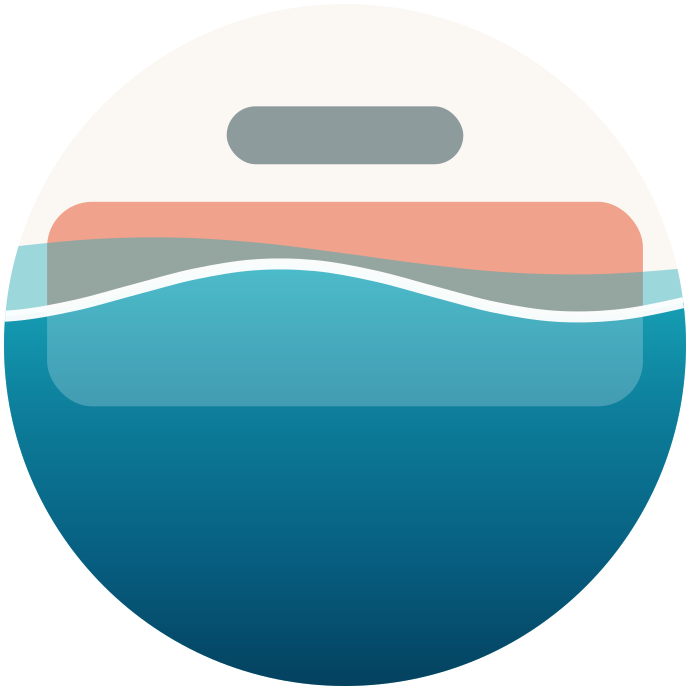
TideSummer
Water and beach toys.
Covered says
The tide's in.
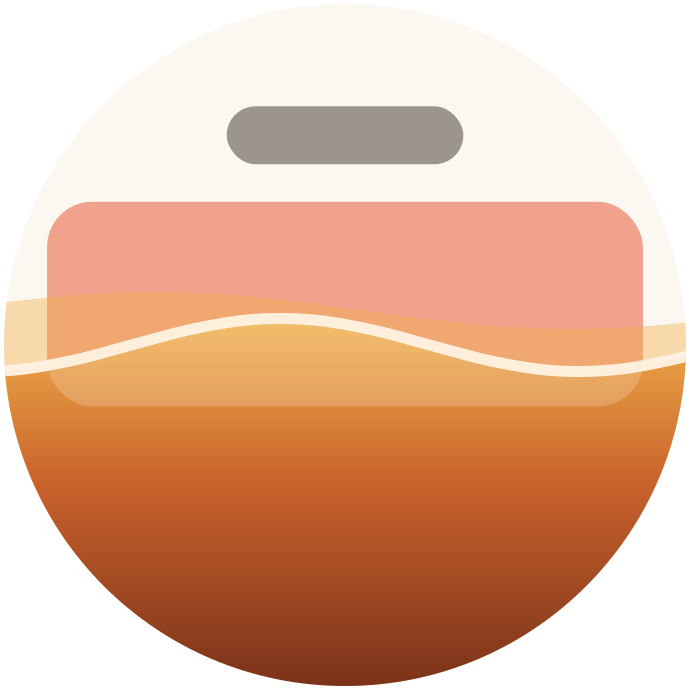
Leaf FallAutumn
Autumn leaves pile up.
Covered says
The leaves have piled up.
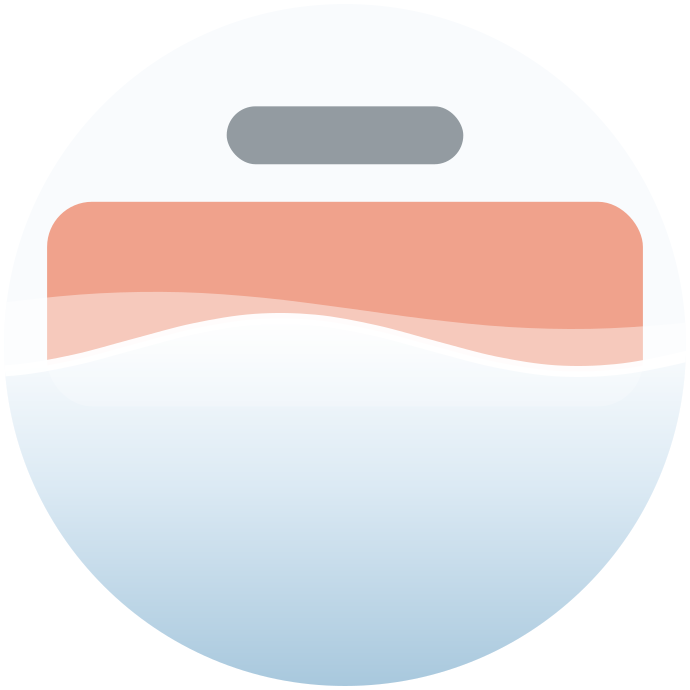
SnowdriftWinter
Snow settles.
Covered says
Snowed in.
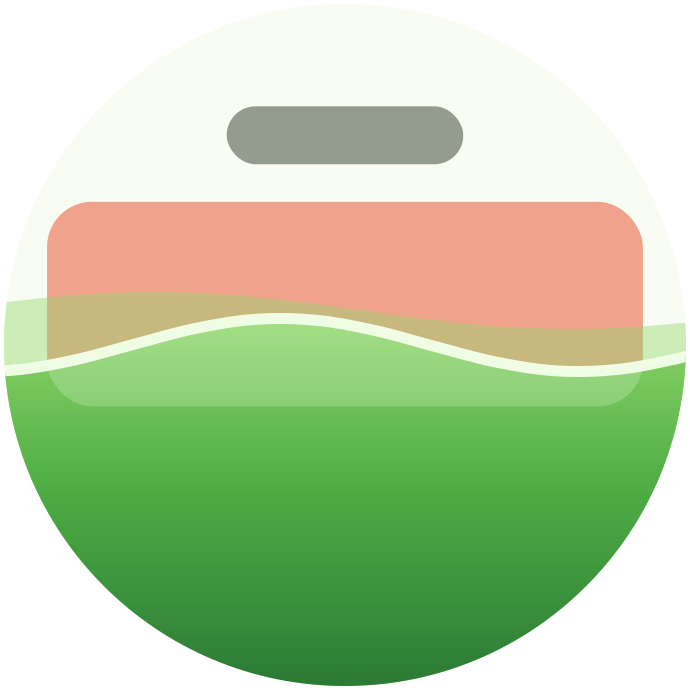
BloomSpring
A meadow grows.
Covered says
Overgrown.
Nothing leaves your phone.
No account, no sign-in. It needs four Android switches:
Read the privacy policy- 1
See which app is open
So it knows when you've been scrolling a while.
- 2
Show on top of apps
So the water can fill the screen over them.
- 3
Send a notification
That's where your snooze buttons live.
- 4
Keep running in the background
So Android doesn't stop it halfway through.
Questions
Does it block my apps?
No. Nothing is ever locked. The water only gets in the way once your screen is covered, and putting your phone down clears it.
What if I really need my phone?
Snooze from your notifications for 2, 5 or 10 minutes, as often as you need.
Which apps does it count?
Every app, except the ones you choose to leave alone. Calls and Settings are never covered.
Is there an iPhone version?
Not yet. It's coming.
Spend less time scrolling.
Android now. iPhone coming.